Make it personal without making it generic
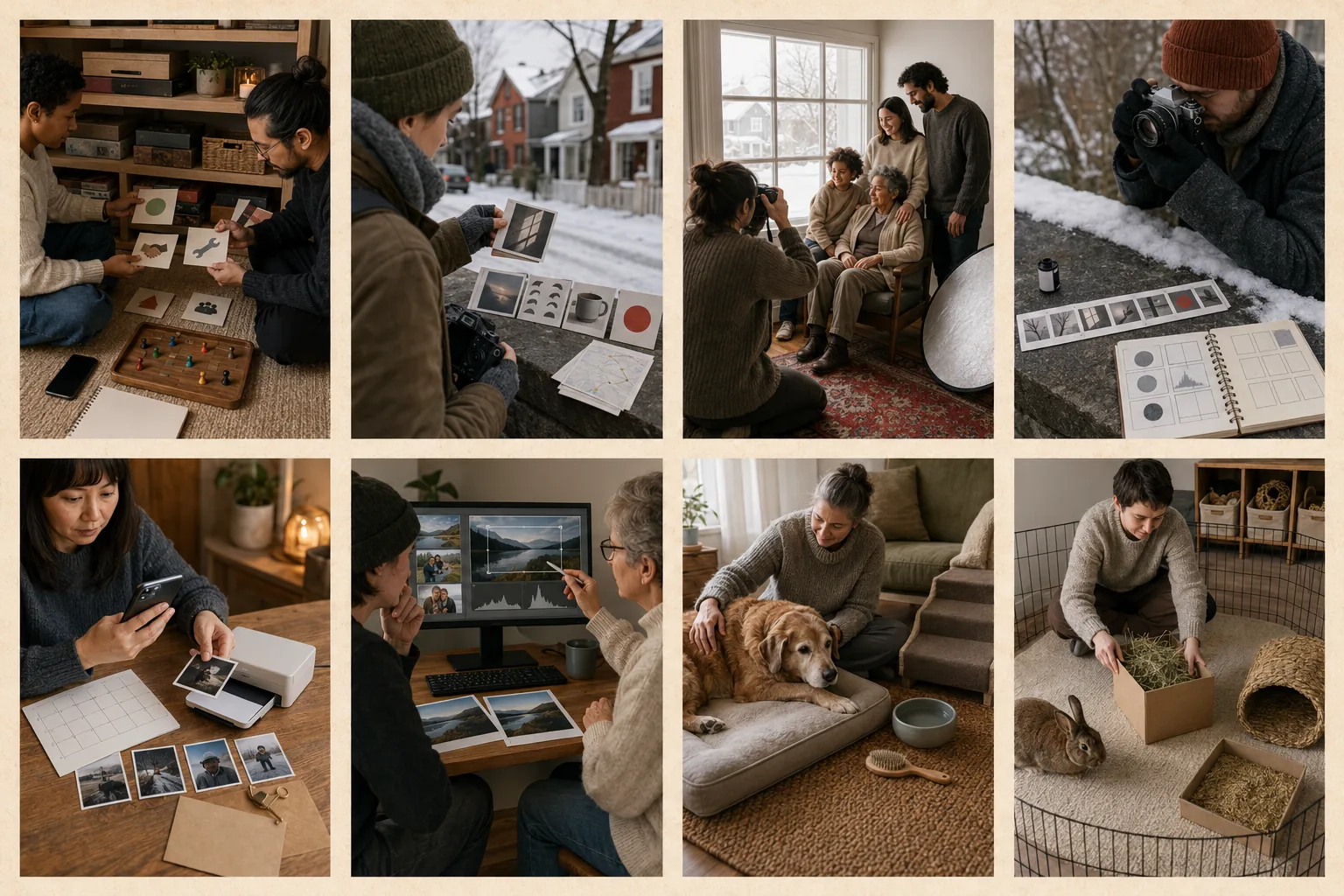
Choose a lesson goal the recipient names, such as winter color, black-and-white conversion, family archives, or consistent travel exports.
Presentation
Give a contact-sheet-style appointment card with five lesson stages and a blank square for the recipient's chosen image.
Check the practical fit
- Space
- The lesson is digital or uses the recipient's existing workstation and adds no equipment.
- Skill
- Share the recipient's experience level in advance so the teacher can avoid both jargon and repetition.
- Maintenance
- Keep the workflow card near the computer, preserve original files, and revisit backup and export settings after software updates.
- Accessibility
- Request captions, zoomed interface text, keyboard demonstrations, verbal descriptions, breaks, and a recording or transcript if permitted.
- Sustainability
- Improve use of existing equipment and software instead of encouraging a camera upgrade.
- Timing
- Arrange the lesson after confirming software access and allow time for the recipient to choose images privately.
What to investigate
These are generic categories to research after the editorial direction fits. Christmas.how has not tested or linked a specific product.
- independent photo editing lesson
- screen-sharing session
- printed workflow card
Current commercial status: editorial only
No affiliate links, sponsored placement, live price, retailer relationship, availability claim, or paid ranking is attached to this idea. The budget band is a planning estimate.
Read the commercial disclosure →